
Resources / Guide
Practical guide · Seneca
How to improve mobile coverage inside a building
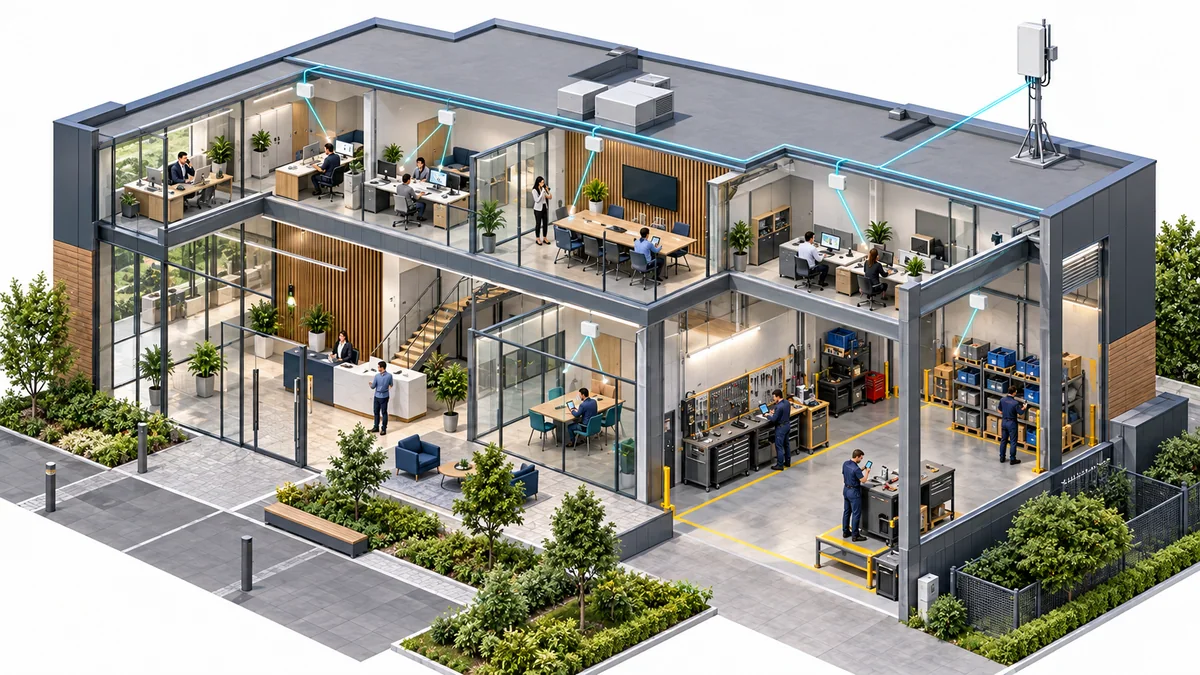
Missed calls and unusable mobile apps frustrate staff, visitors and customers. Indoor coverage systems bring supported mobile networks into the places people need them, helping conversations and everyday transactions continue inside the building.
Turn complaints into a survey brief
Record the operator, handset, location and time associated with failed calls or unusable data. Mark important rooms, circulation routes and occupied areas on a floor plan. Include staff, visitors or tenants where their operator needs form part of the requirement.
A useful survey compares conditions inside and at suitable external signal locations. It should identify whether the problem is coverage, capacity or another part of the service, then capture cabling, access and installation constraints. A signal icon on one phone is not a complete multi-operator assessment.
Compare the available approaches
Wi-Fi calling may help supported phones and operators where suitable Wi-Fi and internet access already exist. Confirm device, operator and service requirements, then test the actual tasks. It should not be assumed to address every visitor, device or continuity requirement.
A suitable repeater uses an available mobile signal within its permitted installation conditions. An engineered distributed system can deliver coverage through multiple antenna locations with defined signal sources and operator arrangements. The correct scope depends on the building and required service, not a rule that every small building needs a booster or every large one needs the same DAS.
Example: an office with poor reception after fit-out
Suppose calls work near reception but fail in meeting rooms deeper inside the floorplate. Compare the required operators in those rooms and identify where usable donor signal is available. Review ceilings, risers and access before evaluating installation options.
Agree representative call and data tests at those locations and repeat them after the work. Record any exclusions and establish maintenance ownership. The project should demonstrate improvement in the original user tasks rather than being accepted solely because equipment is powered on.
Example: a warehouse with staff and visitor needs
Separate public mobile coverage for people’s phones from the private network used by scanners, cameras or robots. List the operators and occupied areas relevant to the coverage brief, including welfare areas and loading positions.
Coordinate the design with racking, traffic, installation access and working hours. If operational devices also need a network, assess that requirement separately and connect the two plans where useful. A mobile booster and a private 5G kit are not interchangeable purchases.
Equipment suitability and installation costs
Confirm the exact equipment and use against current requirements. Ofcom explains the conditions for indoor licence-exempt repeaters and provides information to help buyers assess suitable equipment. Do not assume that every product from a brand qualifies for every proposed installation.
A quote should distinguish survey, equipment, cabling, mounting, access work, coordination, testing and maintenance. A Shop hardware price is not an installed-building price. Compare the booster and DAS options against the same areas and operators, with any dependencies visible.
We assess the estate and help build the case
Tell us what is getting in the way or what you want to achieve. We handle the technical assessment and explain the options, deployment costs and ongoing support. Start with a focused improvement or move ahead with a wider programme.
Discuss a mobile coverage assessment before selecting equipment for a larger or unclear requirement. Known, suitable equipment options can be reviewed in the Nextivity range, with the installation scope confirmed separately.